Cashbox Update: Stripe Invoices and New Interface
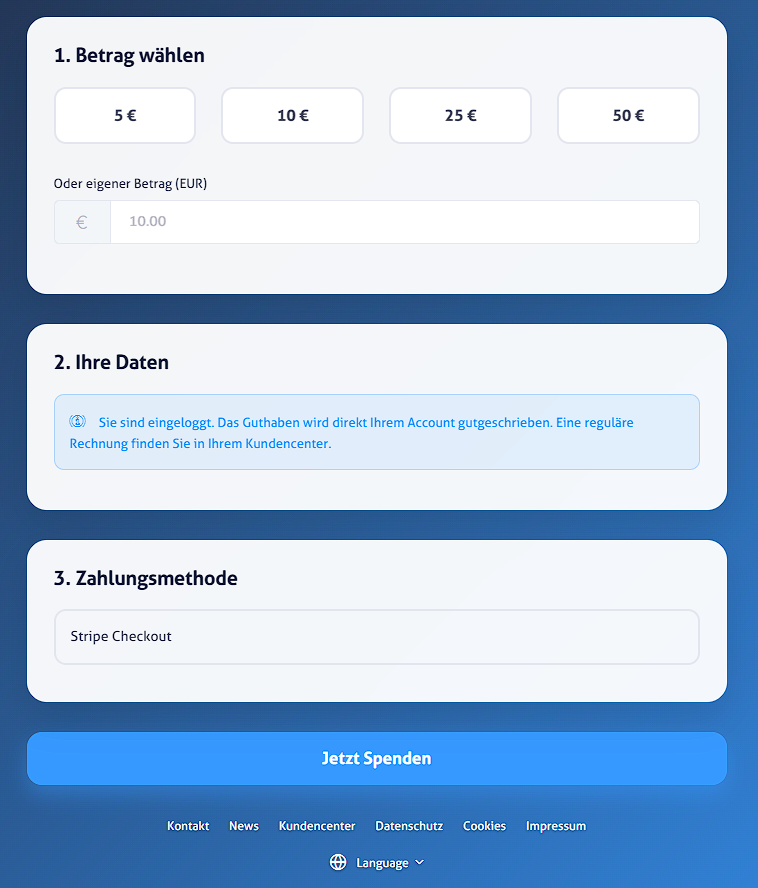
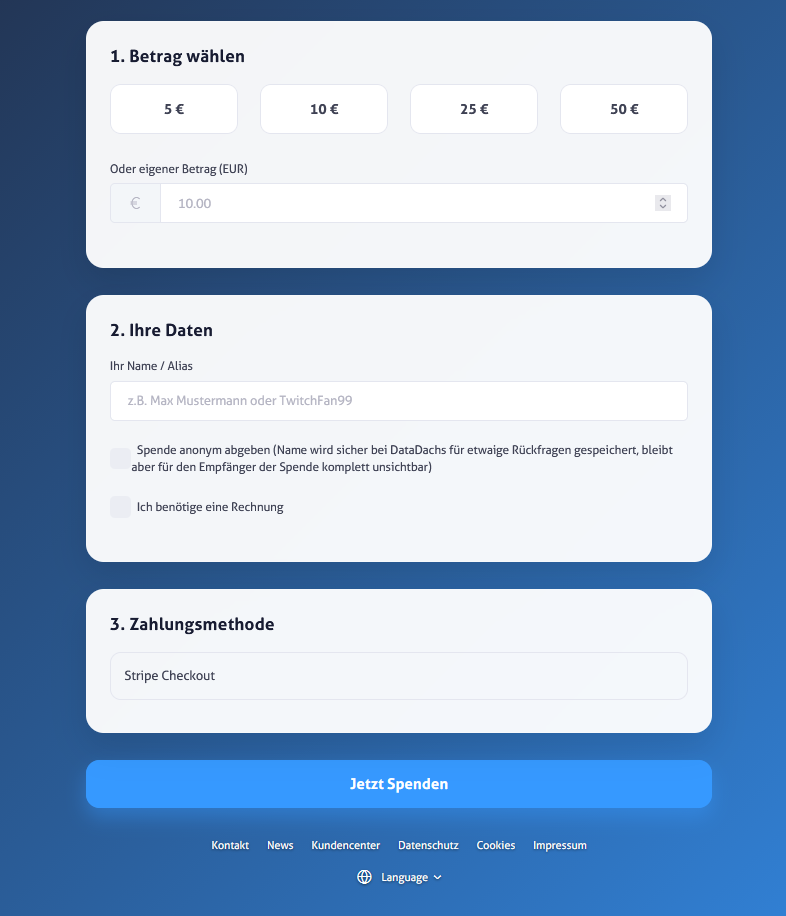
We have thoroughly updated the Cashbox for the Customer Center. Our main focus was on optimizing the Stripe integration and improving the overview in the customer area.
Stripe payments directly in the Customer Center
The Stripe payment process has been fully integrated into the frontend. Once a payment is completed, users are automatically redirected to the invoice view. This ensures that the entire process is seamlessly integrated into the customer center. In addition, country name recognition has been improved. Entries such as “Germany” or “Austria” are now reliably converted into the required ISO codes. This prevents errors in tax calculation and ensures a stable checkout process.
Cashbox invoices are therefore no longer posted to the account holder’s account, but are instead correctly allocated to the payer in the accounting records.
Monthly donation goals
A new feature is the option to set donation goals. Users can now set a monthly goal, which is displayed as a progress bar directly on the donation page. The total is automatically calculated based on the payments received during the current month. This provides a simple way to transparently show supporters their progress.
New Structure in the Customer Area
The transaction display has been completely redesigned. Completed payments and pending donations are now listed in separate tables. To make management easier, we have integrated a real-time search feature. This allows you to find specific transactions or senders immediately. The new layout also adapts better to different screen sizes.
Expanded language support
In addition to German and English, all other languages supported by the Customer Center are now available.